Betaflight Basics
Published How we research
Betaflight is the flight control software on many FPV quads, configured through the desktop Betaflight Configurator, which connects to your flight controller over USB. To get flying, focus on the ports and receiver tabs (so your radio link is clean and stick movements register), the modes tab (to assign arming and flight modes to switches), and the motors tab, which you must only test with the propellers removed. Start with sensible defaults and change one thing at a time. Betaflight is the flight control software that runs on many FPV quads, and getting comfortable with it is a core part of the hobby. It is the bridge between your hardware and how your drone behaves in the air, letting you configure everything from motor outputs to flight modes. For a beginner, the interface can look dense, but you only need to understand a handful of essentials to get a new build safely into the air.
Products from this article
The highest-scoring picks from the buying guides this article links to. Scores are our editorial assessment, not customer ratings.
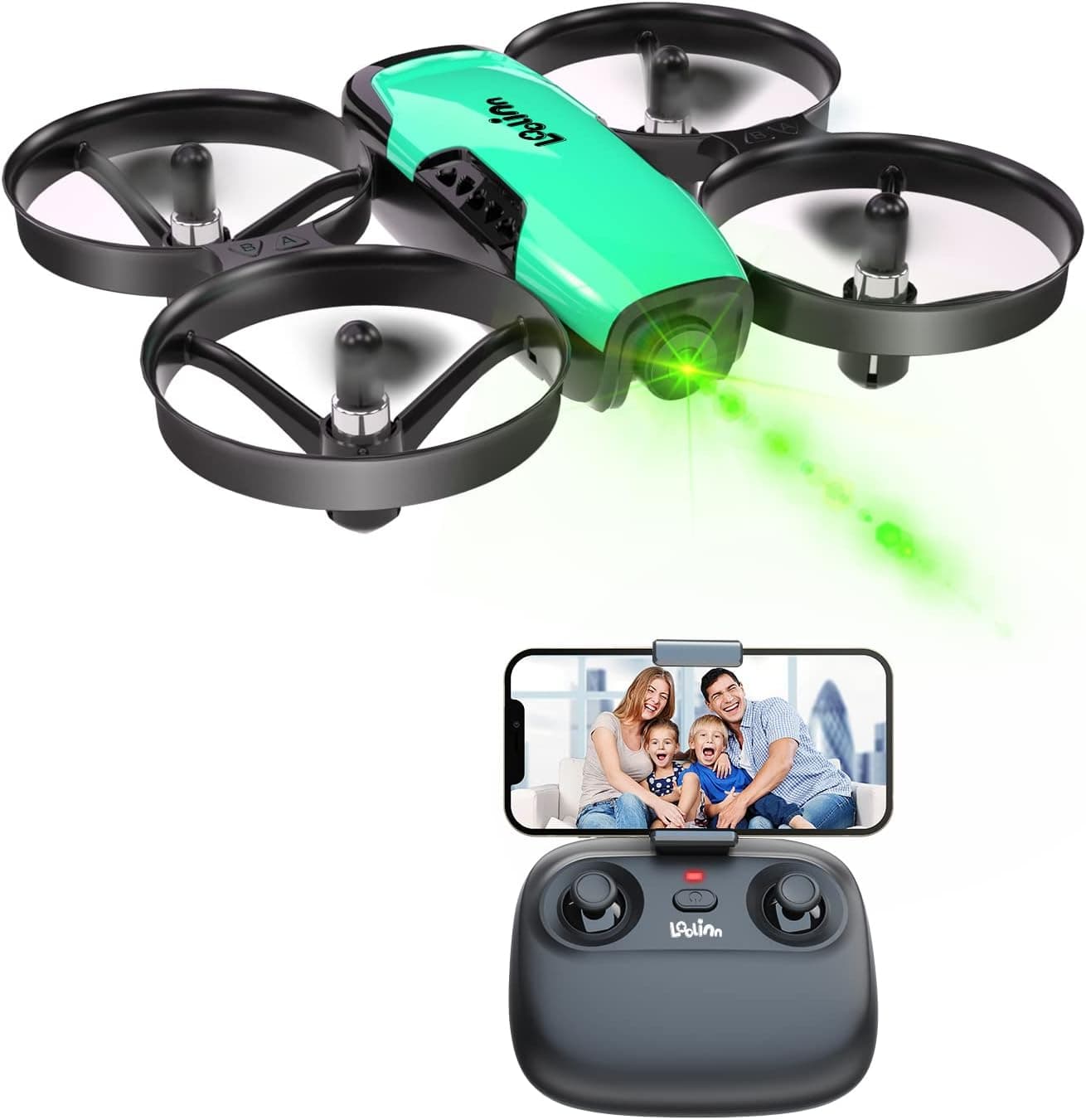
+ Brushless motor lasts longer and runs more efficiently than brushed beginner motors
From our guide: Best Beginner Drones for First-Time Pilots (2026)
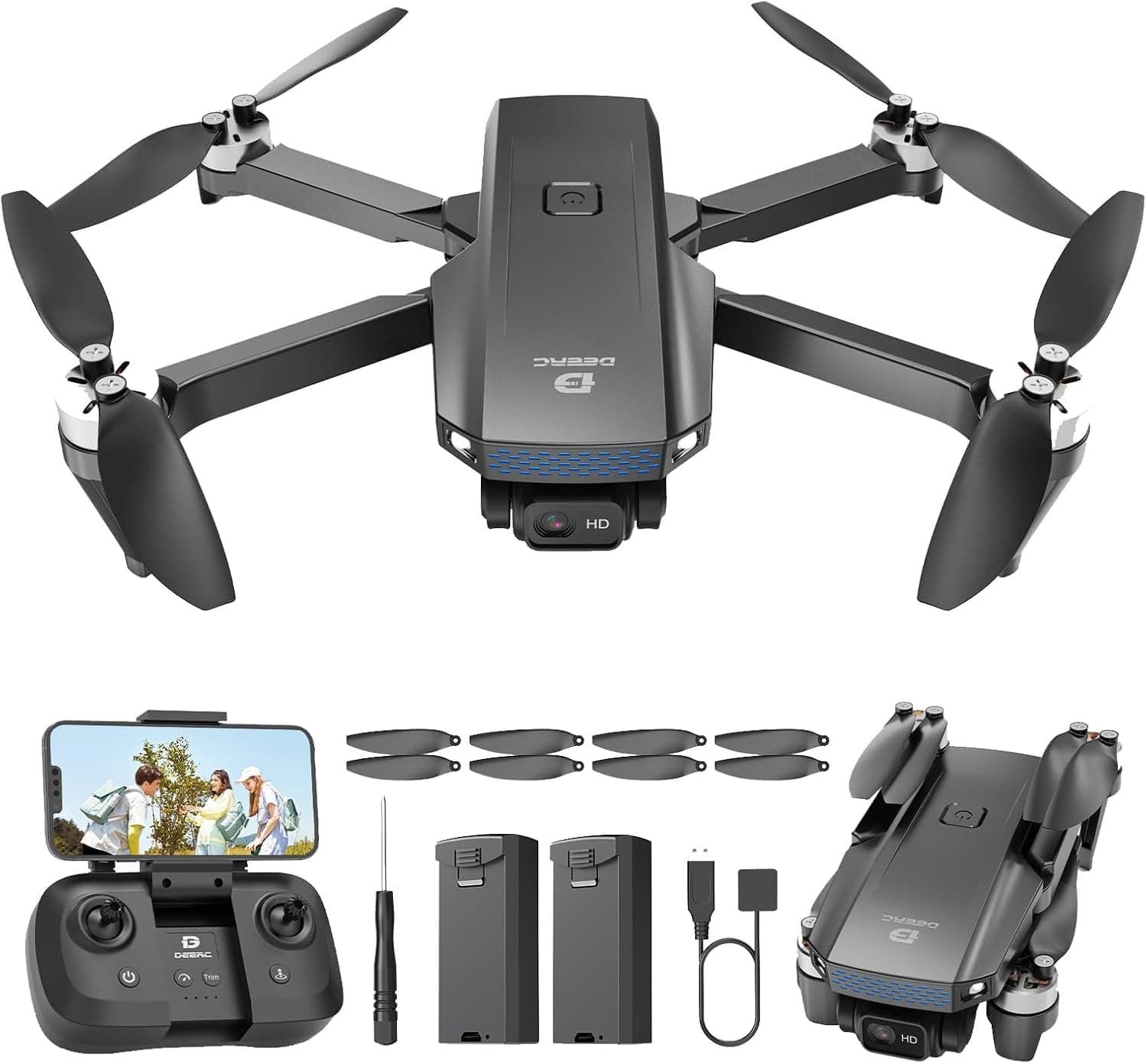
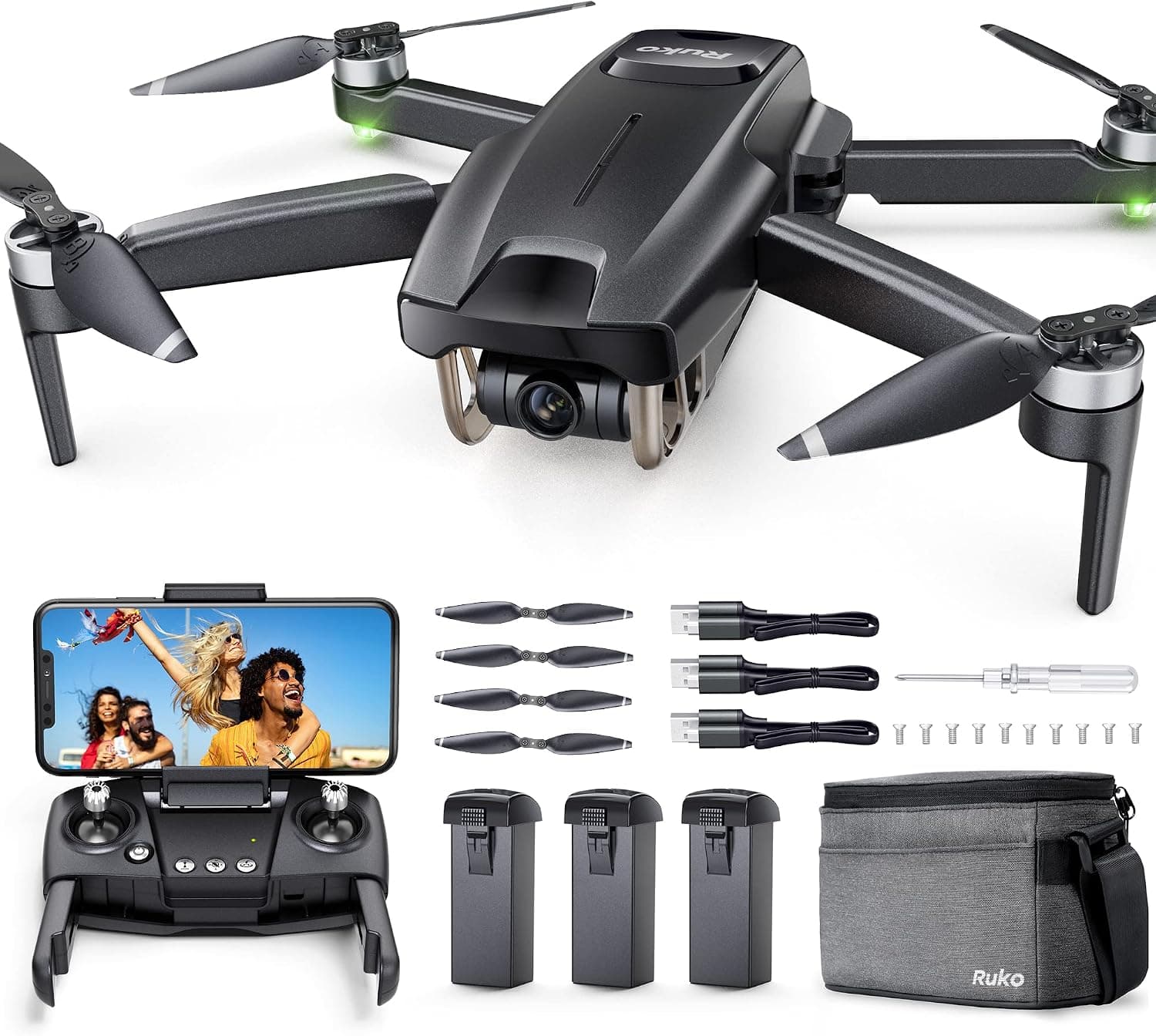
+ 90 Min of listed flight time across batteries allows long filming days
From our guide: Best Brushless Drones for Power and Longevity (2026)
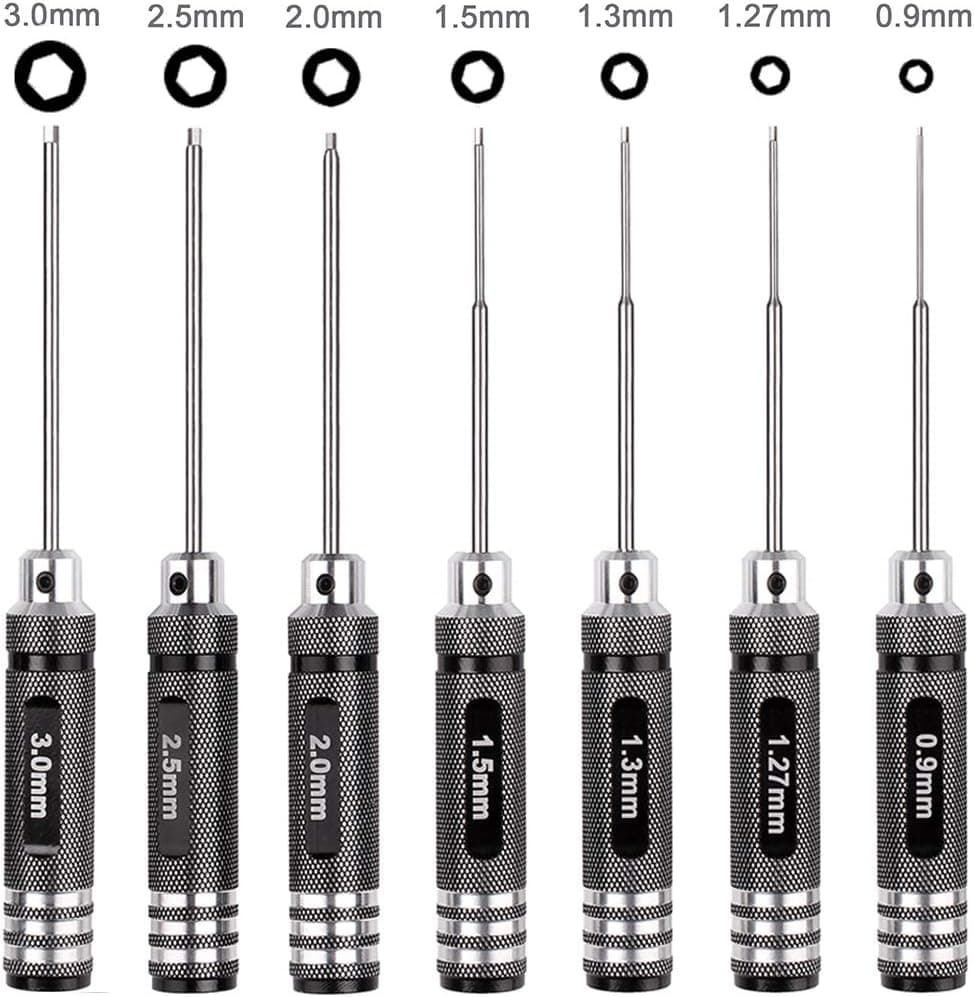
+ FPV racing drones are named in the fit list, so sizes suit quad hardware
From our guide: Best Hex Driver Kits for FPV Drones (2026)
+ GPS hold and return features make outdoor flying relaxed for new pilots
From our guide: Best Beginner Drones for First-Time Pilots (2026)
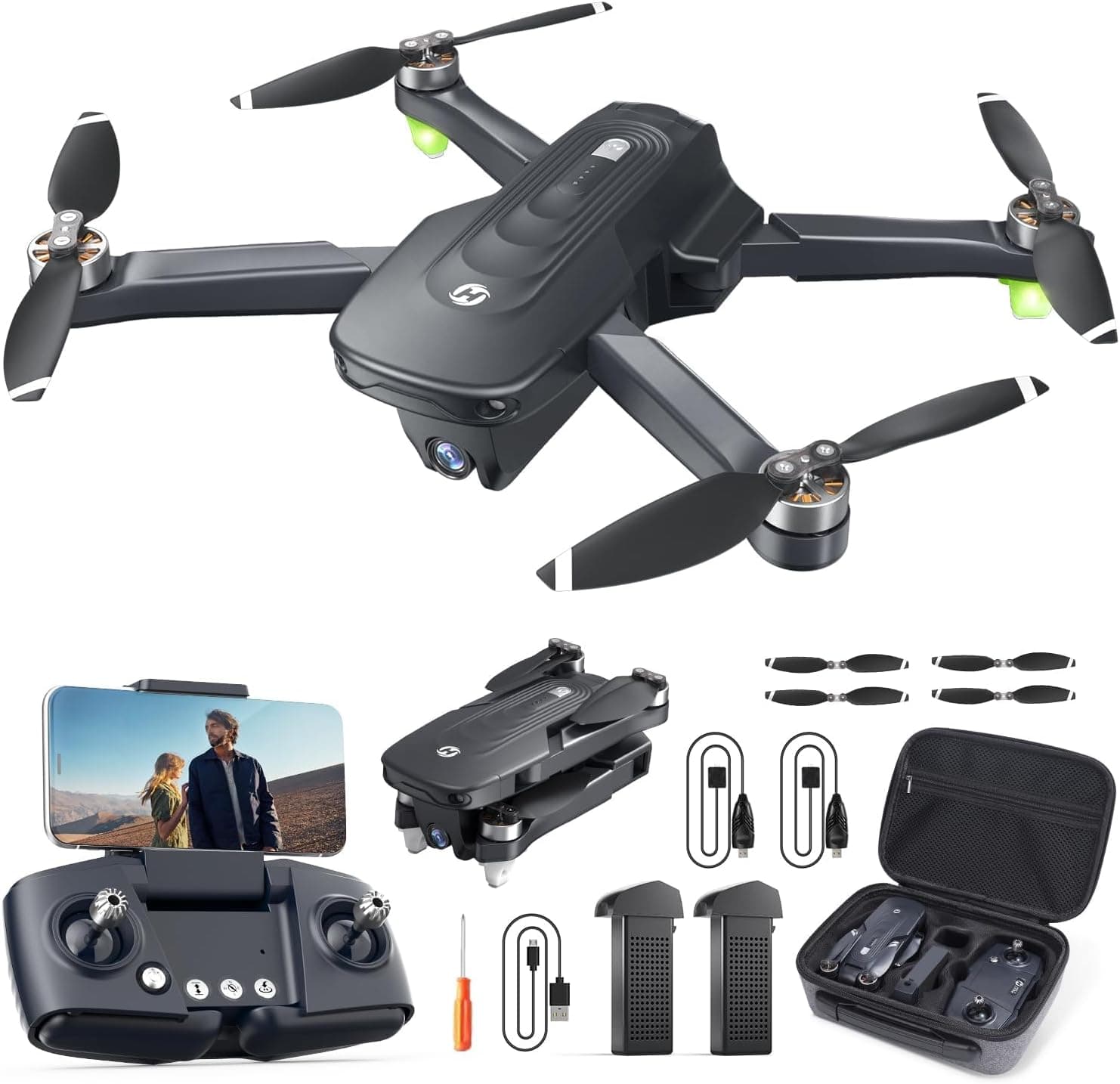
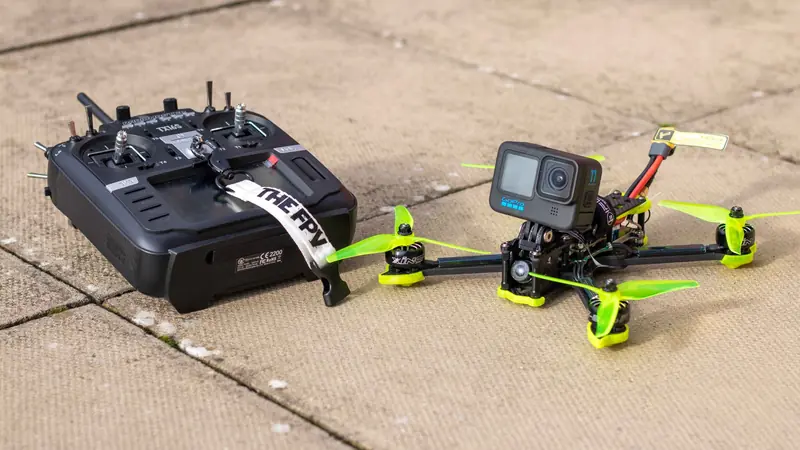
The Betaflight Configurator and its tabs
The Betaflight Configurator is the desktop tool you use to talk to your flight controller. You connect your quad to a computer, open the configurator, and use its tabs to view and change settings. Each tab handles a specific area, such as ports, receiver setup, modes, and motors. Rather than trying to master everything at once, focus first on the tabs required to get flying, then explore the advanced options as your understanding grows.
Safety checks come before any flight
Safety checks in the software come before any flight. The receiver tab lets you confirm that your radio inputs register correctly, and the modes tab is where you assign arming and flight modes to switches. Crucially, you should always test motor response with the propellers removed, since a mistake here can spin motors unexpectedly. Building the habit of props-off testing protects your fingers and your hardware while you learn.
Port and receiver configuration
Port and receiver configuration are often the first real hurdles. You need to tell Betaflight which ports your receiver and other peripherals use, and select the correct protocol so the flight controller understands your radio. Getting a clean, reliable link between your transmitter and the quad is foundational; without it, nothing else matters. Take your time here and confirm that stick movements show up correctly on screen.
Growing into the deeper tuning options
Once the basics are configured, Betaflight offers deep tuning options that you can grow into gradually. Features like flight modes, filtering, and rate adjustments let you shape how the quad feels, but there is no rush to touch them. Start with sensible defaults, fly, and change one thing at a time so you understand each adjustment. Approached patiently, Betaflight becomes a powerful tool rather than an intimidating wall of settings.
Frequently asked questions
What is Betaflight? The flight control software that runs on many FPV quads, acting as the bridge between your hardware and how the drone behaves. You configure it through the desktop Betaflight Configurator.
What should I set up first in Betaflight? The ports and receiver tabs, so you get a clean, reliable link between transmitter and quad and confirm stick movements register correctly on screen, then the modes tab to assign arming and flight modes.
Is it safe to test motors in Betaflight? Only with the propellers removed. A mistake in the motors tab can spin motors unexpectedly, so props-off testing is a habit worth building from the start.
Should a beginner tune Betaflight settings? Not at first. Start with sensible defaults, fly, and change one thing at a time so you understand each adjustment. Filtering and rate tuning can wait.
Popular right now
- ESC explainedGlossary
- Drone Flight Modes ExplainedArticle
- Understanding Drone Motors and KV RatingsArticle
- Best FPV Antennas for Stronger Range (2026)Buying guide
- Best ESCs for FPV Drones (2026)Buying guide
- Best FPV Frames for Freestyle and Racing (2026)Buying guide
Based on the last 28 days of search and visitor data.