How to Remove Jello and Vibrations From FPV Video
Published How we research
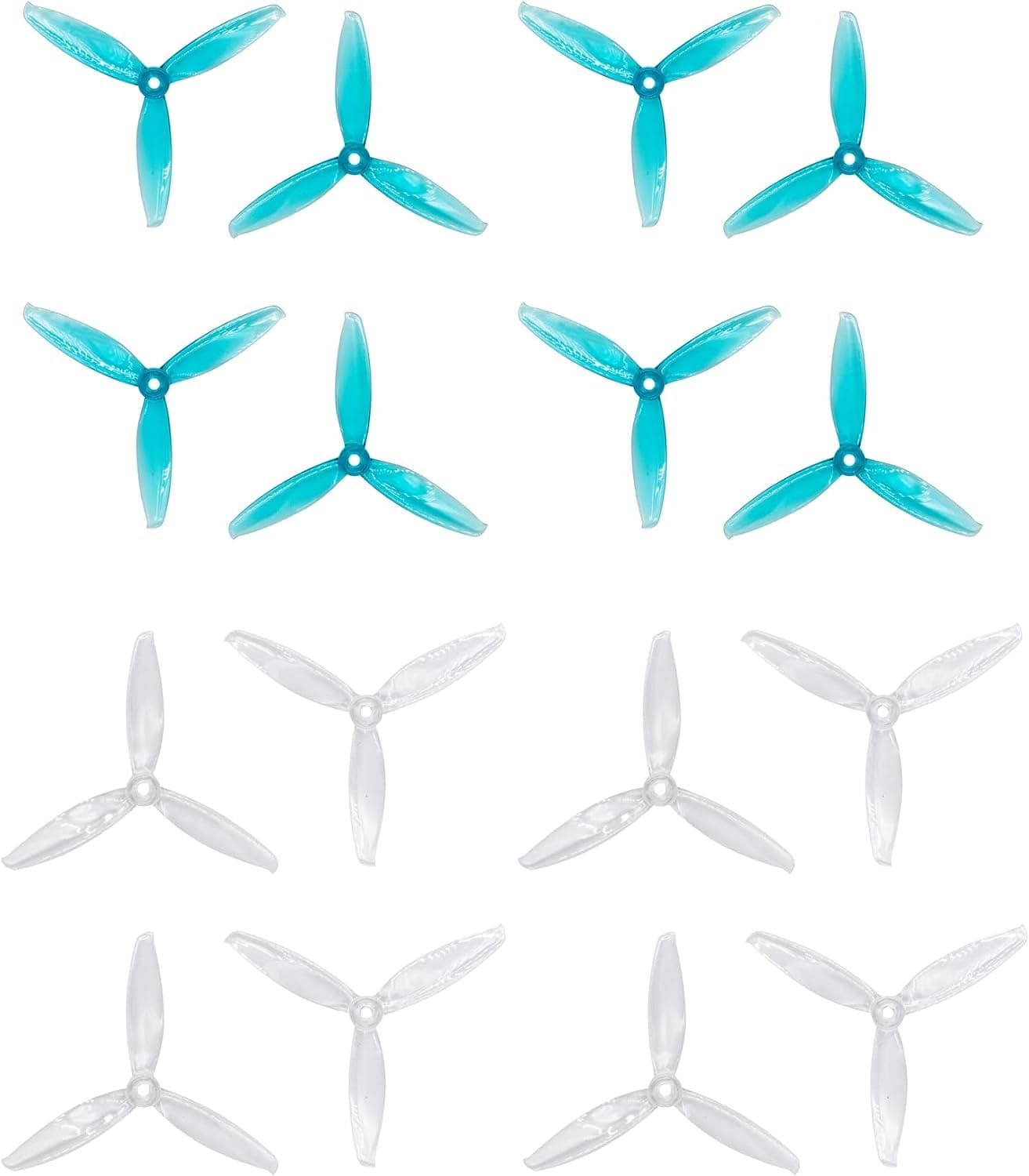
Jello is the wobbly, rolling distortion that makes FPV footage look like it was filmed through water. It is caused by vibrations reaching the camera sensor while it records line by line. Vibration can come from damaged propellers, bent motor shafts, loose frame parts or mounts that transmit motor noise into the camera. Tracking down the source usually means checking the quad one component at a time.
Start with propellers
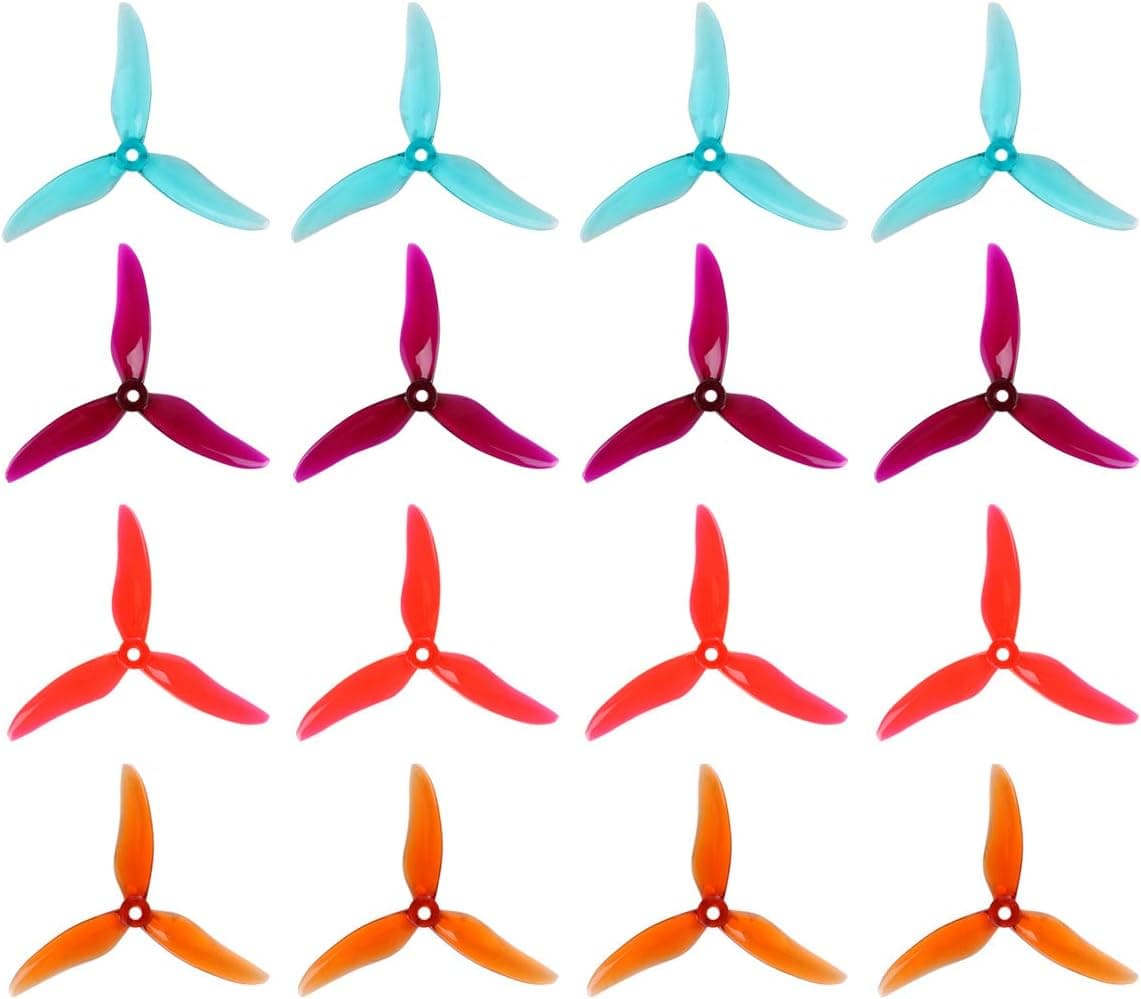
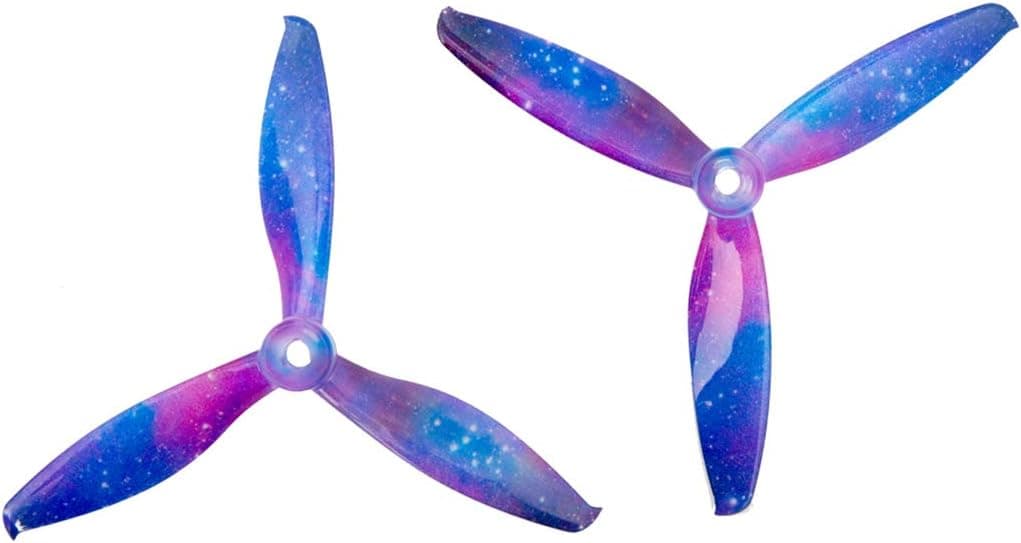
Chipped, bent or unbalanced props are the most common cause of vibration. Even a small nick after a crash can create jello, so replace any props that look damaged and try a fresh set before anything else.
Make sure props are seated fully and prop nuts or screws are tight. Mixing different prop brands or pitches on one quad can also create uneven thrust and vibration.
Check motors and bearings
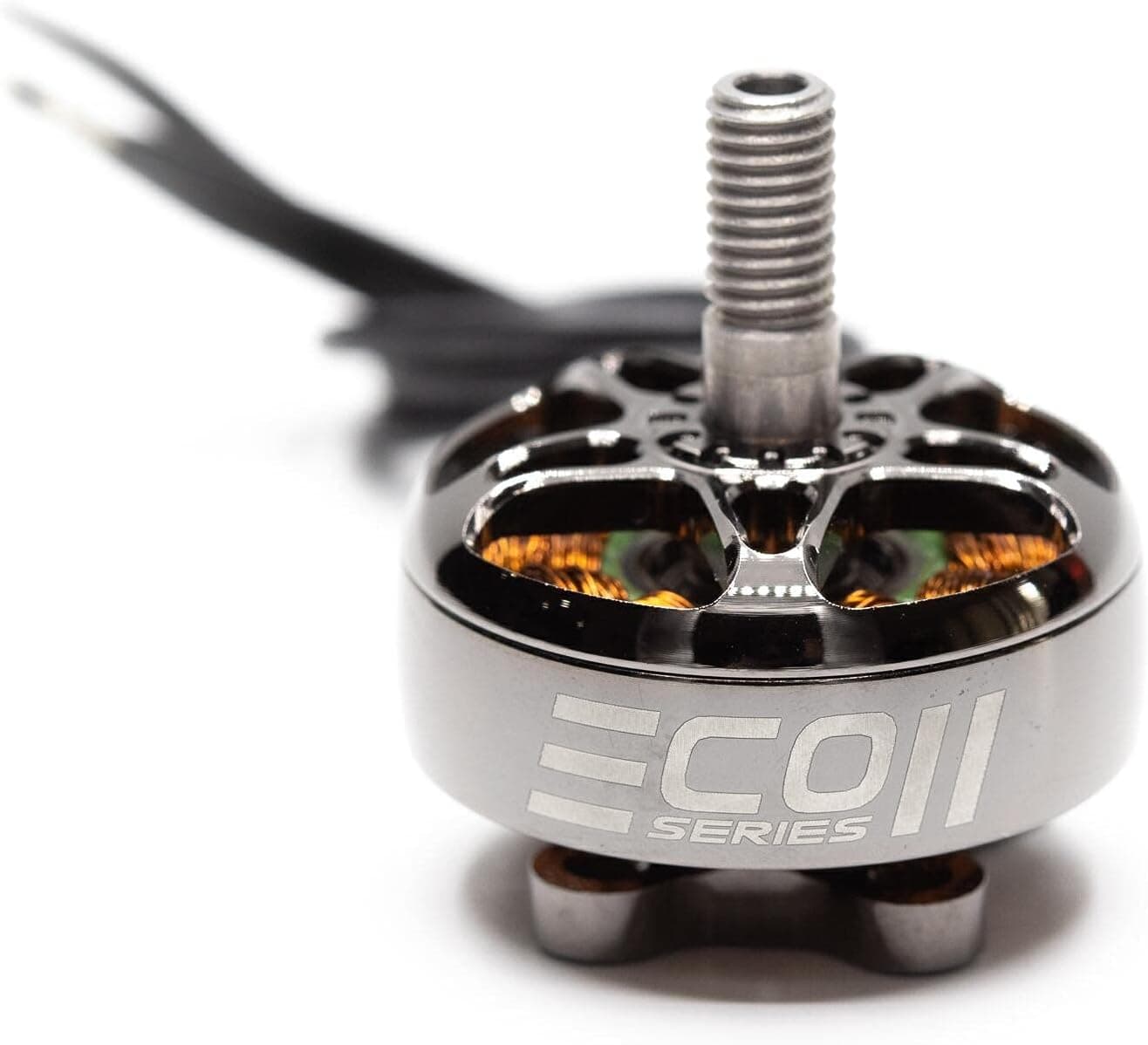
Spin each motor by hand with props removed and feel for roughness, grinding or wobble. A bent motor shaft or worn bearing produces vibration that shows up as jello and high noise in blackbox logs.
Check motor screws for tightness and make sure the screws are not too long, since they can touch motor windings. Replace damaged motors, as vibration from one motor affects the whole quad.
Tighten the frame and stack
Loose arm screws, standoffs and top plates vibrate at certain throttle levels. Inspect frame hardware and use a small amount of thread locker on metal-to-metal screws where appropriate.
Cracked arms or delaminated carbon plates create flex and vibration. Inspect arms closely after crashes and replace damaged parts.
Isolate the camera
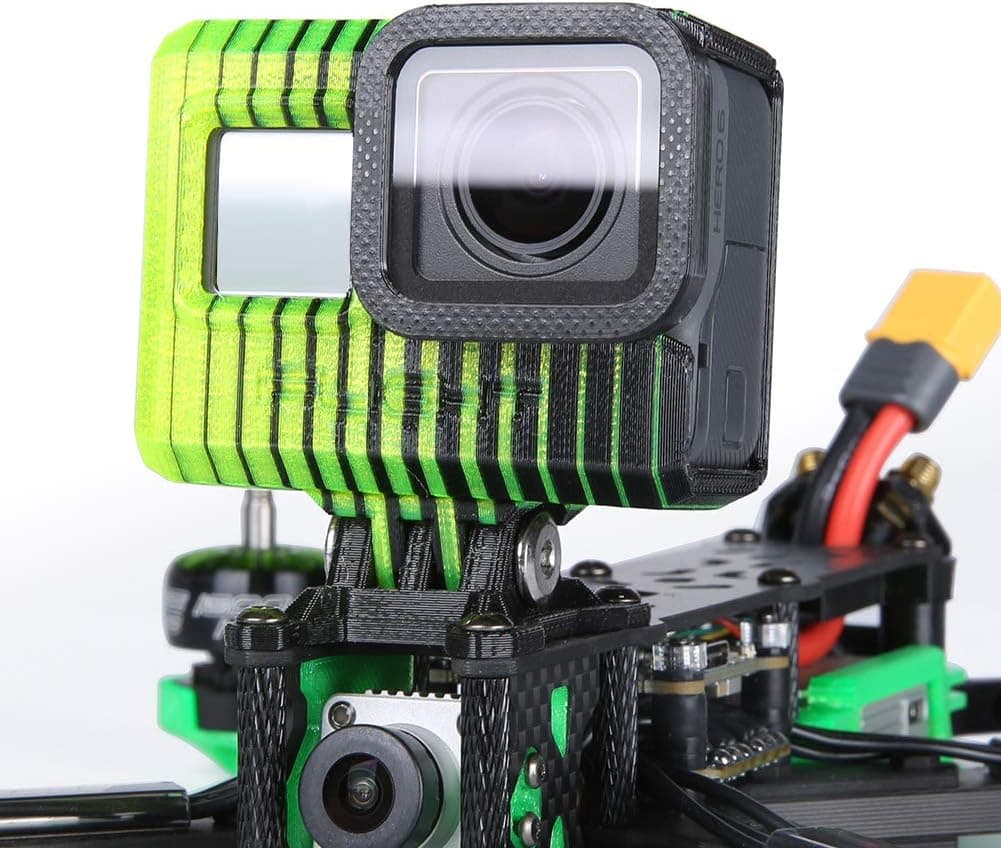
Action cameras mounted rigidly to the frame receive every vibration. TPU camera mounts and small soft pads between the camera and mount help absorb high-frequency vibration.
Do not make mounts too soft, since a wobbly camera can create its own low-frequency movement. Secure the camera with a strap or proper mount so it cannot shift in flight.
Filters and stabilisation
Poorly tuned flight controller filters or PID settings can let motor noise pass through, causing oscillations. Review blackbox logs or use presets for your frame and motor size as a starting point.
Post-flight stabilisation tools and in-camera stabilisation can smooth shaky footage but cannot fully remove jello caused by strong vibration. Fixing the mechanical source always produces the best results.
Products from this article
The highest-scoring picks from the buying guides mentioned above. Scores are our editorial assessment, not customer ratings.
+ 16pcs gives four full sets of props for crash-heavy practice
From our guide: Best Propellers for FPV Drones (2026)
+ Three KV options cover low and high voltage builds from one trusted motor line
From our guide: Best Brushless Motors for FPV Drones (2026)
+ 0~40 adjustment lets you match camera angle to flying speed
From our guide: Best Camera Mounts for FPV Drones (2026)
+ 10 Pairs is a bulk supply of props for many sessions
From our guide: Best Propellers for FPV Drones (2026)
Popular right now
- Understanding Drone Motors and KV RatingsArticle
- Tiny Whoop GuideArticle
- Best Long-Range Drones for Distance Flying (2026)Buying guide
- Best FPV Antennas for Stronger Range (2026)Buying guide
- Drone Flight Modes ExplainedArticle
- Best Racing Drones for Speed and Precision (2026)Buying guide
Based on the last 28 days of search and visitor data.