How to Fix Static, Breakup and Poor Range in FPV Video
Published How we research
A clean video feed is essential for safe FPV flying. When the image fills with static on analog systems, or breaks up and freezes on digital systems, pilots lose orientation and crash. Most signal problems come from damaged or mismatched antennas, incorrect VTX settings, interference or flying behind obstacles. A careful check of the video system usually restores range and clarity.
Inspect antennas first
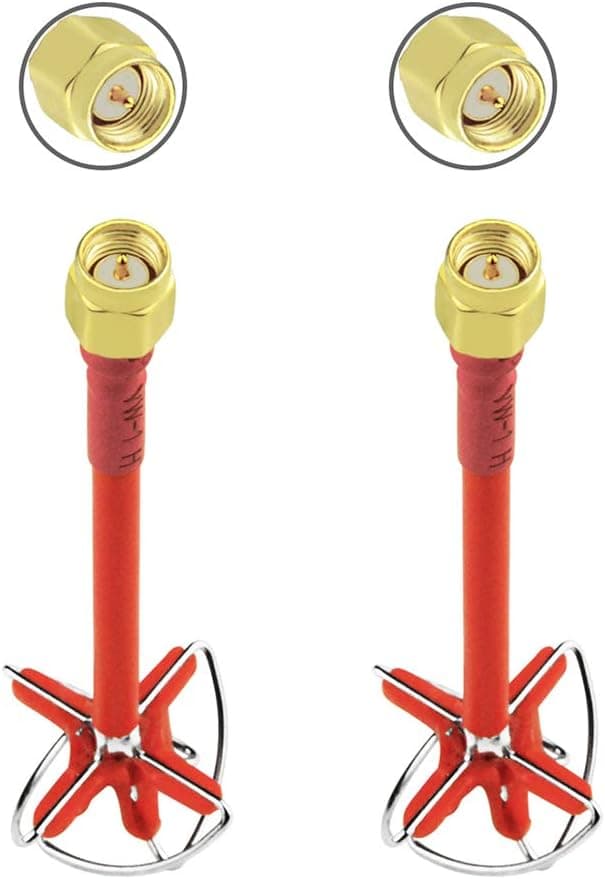
Antennas are fragile and often damaged in crashes. Check for bent elements, cracked housings, loose connectors or cables pulled out of the connector. A damaged antenna can greatly reduce range even if it looks mostly intact.
Make sure antennas on the drone and goggles use matching polarisation, such as both right-hand circular polarised. Never power a video transmitter without an antenna attached, since it can overheat and fail.
Check VTX settings
Confirm the video transmitter and goggles are on the same band and channel, and that power output is set appropriately and legally for your location. Some VTXs default to low power in pit mode until changed.
Overheating transmitters may reduce power or shut down. Make sure the VTX has airflow and avoid leaving the drone powered on the bench for long periods without cooling.
Reduce interference
When flying with others, choose channels spaced apart and coordinate frequencies. Nearby Wi-Fi networks, power lines and other transmitters can interfere with video, especially on crowded channels.
Keep video antennas away from carbon fibre frames and receiver antennas where possible. Carbon blocks signal, and poor antenna placement creates blind spots.
Maintain line of sight
Trees, buildings and hills block video signals. Most breakup happens when the drone flies behind obstacles or low to the ground far away. Stand in a higher position and keep the drone in open areas while learning a new location.
Directional patch antennas on goggles can increase range in one direction, while omnidirectional antennas provide wider coverage. Diversity goggles combining both improve reliability.
Check power and wiring
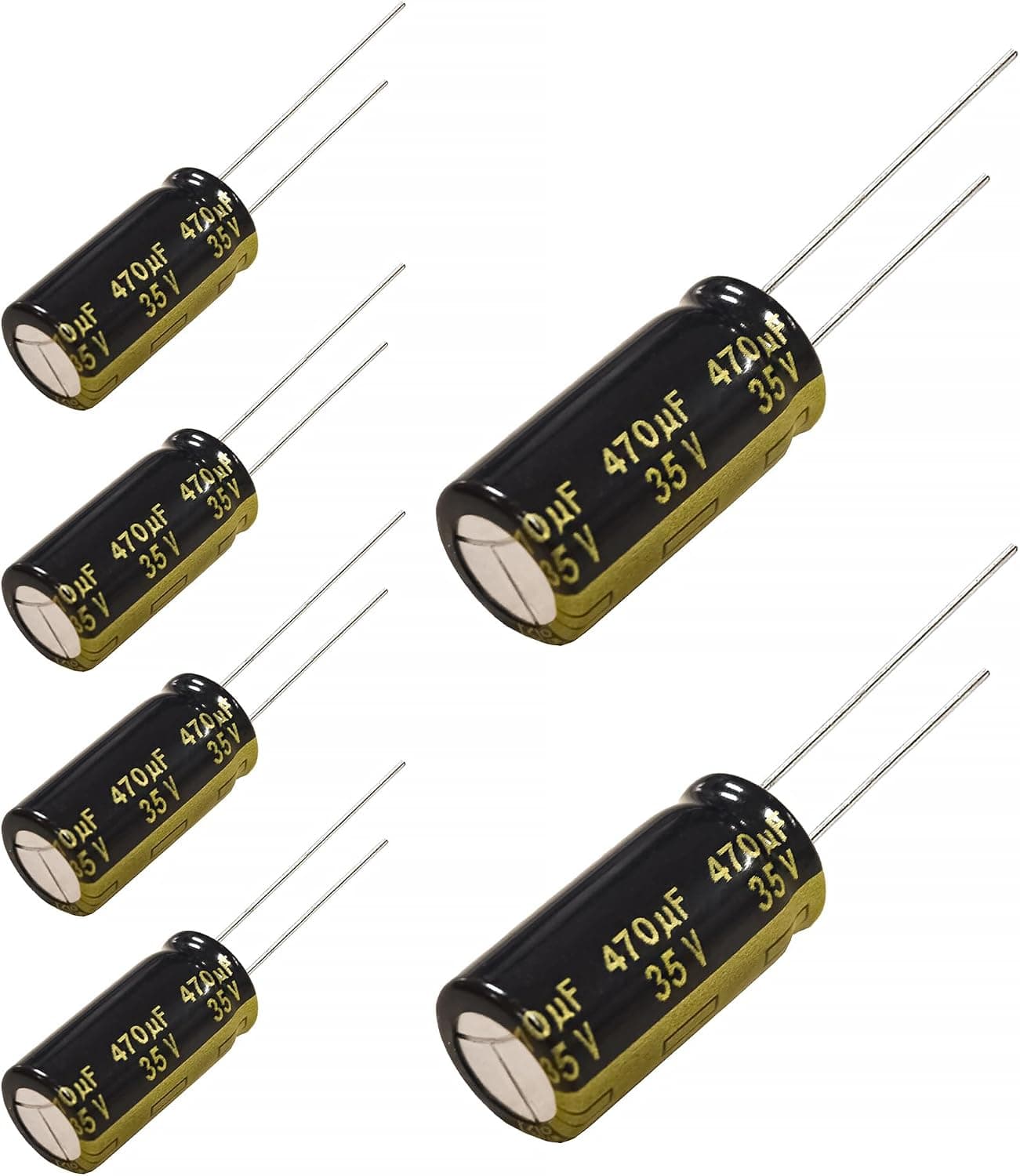
Electrical noise from motors and ESCs can appear as lines or static in analog video. A capacitor on the battery leads and clean power wiring reduce noise.
Check that the camera and VTX receive stable voltage and that solder joints and connectors are secure. Damaged wires may cause video to cut out when the drone vibrates or takes impacts.
Products from this article
The highest-scoring picks from the buying guides mentioned above. Scores are our editorial assessment, not customer ratings.
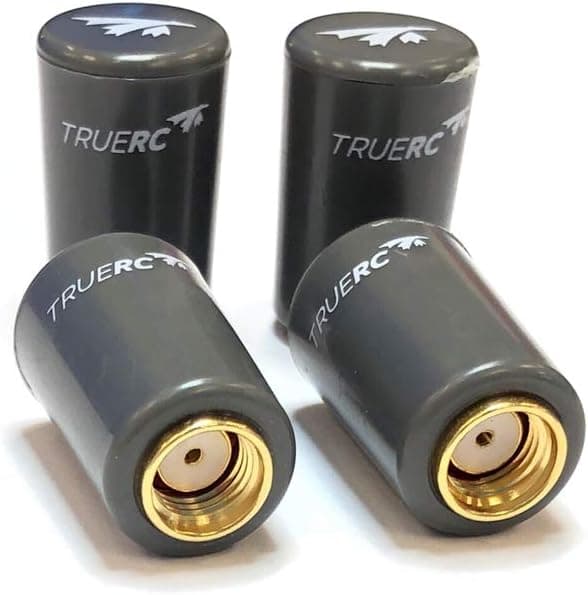
+ TrueRC Singularity antennas are respected for precise tuning and range
From our guide: Best FPV Antennas for Stronger Range (2026)
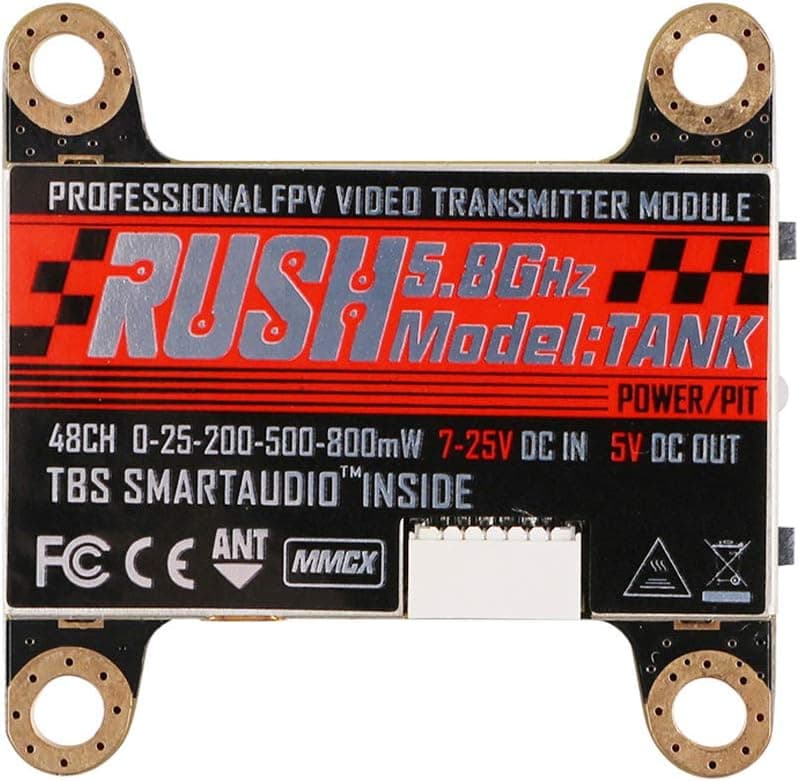
+ Switchable power from 25mW to 800mW suits both races and long range flights
From our guide: Best FPV Video Transmitters for Reliable Signal (2026)
+ Panasonic FM series is a trusted low-ESR line for power filtering
From our guide: Best Capacitors for FPV Drone Builds (2026)
+ 5DBi gain gives stronger reception than stock whip antennas
From our guide: Best FPV Antennas for Stronger Range (2026)
Popular right now
- Understanding Drone Motors and KV RatingsArticle
- Tiny Whoop GuideArticle
- Best Long-Range Drones for Distance Flying (2026)Buying guide
- Best FPV Antennas for Stronger Range (2026)Buying guide
- Drone Flight Modes ExplainedArticle
- Best Racing Drones for Speed and Precision (2026)Buying guide
Based on the last 28 days of search and visitor data.