How to Fix an FPV Drone That Will Not Arm
Published How we research
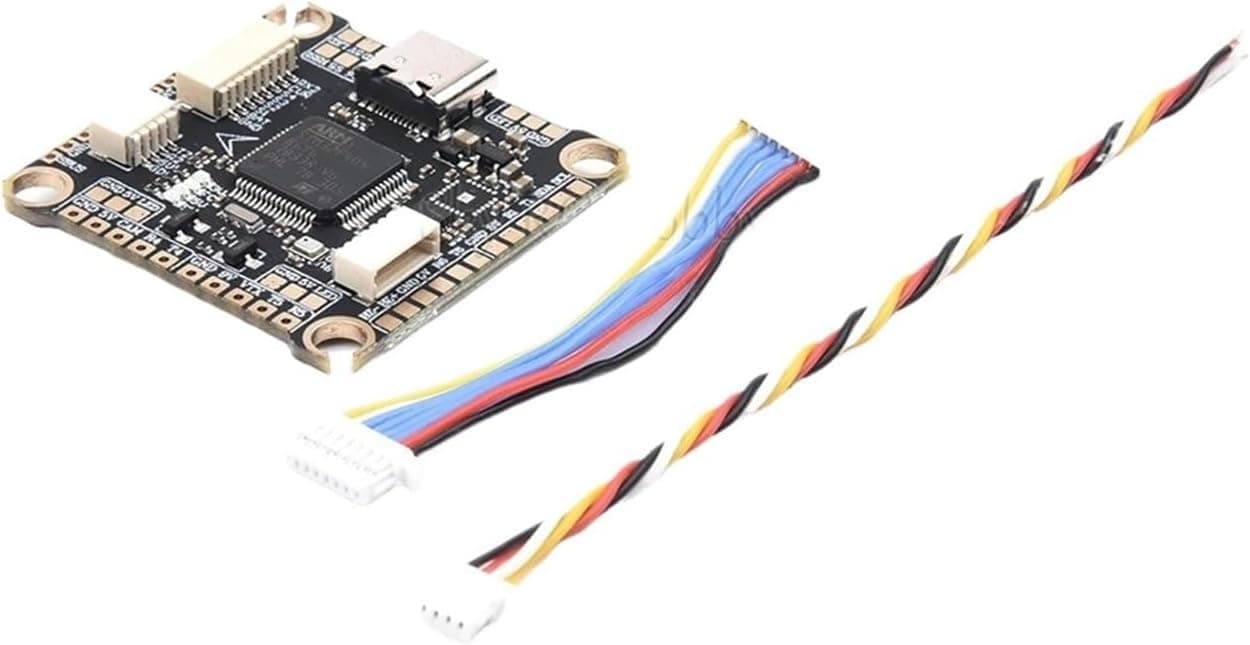
Few things are more frustrating than setting up at the field, flipping the arm switch and hearing nothing. Flight controllers deliberately refuse to arm when something looks unsafe, such as throttle not at zero, the quad tilted too far or no receiver signal. The good news is that Betaflight and similar firmware tell you exactly why. Once you know how to read arming flags, most problems take minutes to fix.
Read the arming flags
Connect the quad to Betaflight Configurator and look at the arming disable flags on the Setup tab, or check the OSD in your goggles, which often shows a warning message. Each flag names a specific reason, such as THROTTLE, ANGLE, RXLOSS, MSP or CLI.
Flags can change as you fix each issue, so recheck after every change. Several flags may be active at once, and the drone will only arm when all of them are cleared.
Throttle and switch setup
The THROTTLE flag means the flight controller sees throttle above the minimum arming value. Check that the throttle stick is fully down and that the Receiver tab shows throttle around 1000 when the stick is at the bottom. Adjust endpoints on your radio if it reads higher.
Also confirm that the arm switch is assigned correctly in the Modes tab and that the switch range actually turns yellow when you flip it. A mismatched AUX channel is one of the most common beginner mistakes.
Angle and calibration
The ANGLE flag appears when the quad is tilted beyond the allowed arming angle. Place the drone on flat ground before arming, and calibrate the accelerometer on a level surface in the Setup tab if the model view appears tilted when the quad is flat.
If you fly acro only, some pilots disable the accelerometer, which removes angle-based arming checks. Understand the trade-offs, since angle and horizon modes need an accelerometer.
Receiver and failsafe
RXLOSS or FAILSAFE flags mean the flight controller is not receiving valid control signal. Check that the receiver is bound, powered and connected to the correct UART, and that the serial RX protocol matches the receiver in the Configuration or Receiver tab.
Move sticks and watch the channel bars in the Receiver tab. If nothing moves, rebind the receiver and check that your radio model is using the correct protocol and packet rate.
USB, CLI and other blockers
Many flight controllers will not arm while connected to Betaflight Configurator over USB, and MSP or CLI flags indicate the configurator is connected or the CLI is open. Disconnect and try again with a battery plugged in.
Other causes include a runaway takeoff prevention trigger, a disabled motor protocol or props-off safety tools. When all else fails, back up your settings with a CLI diff and compare them with a known working configuration.
Products from this article
The highest-scoring picks from the buying guides mentioned above. Scores are our editorial assessment, not customer ratings.
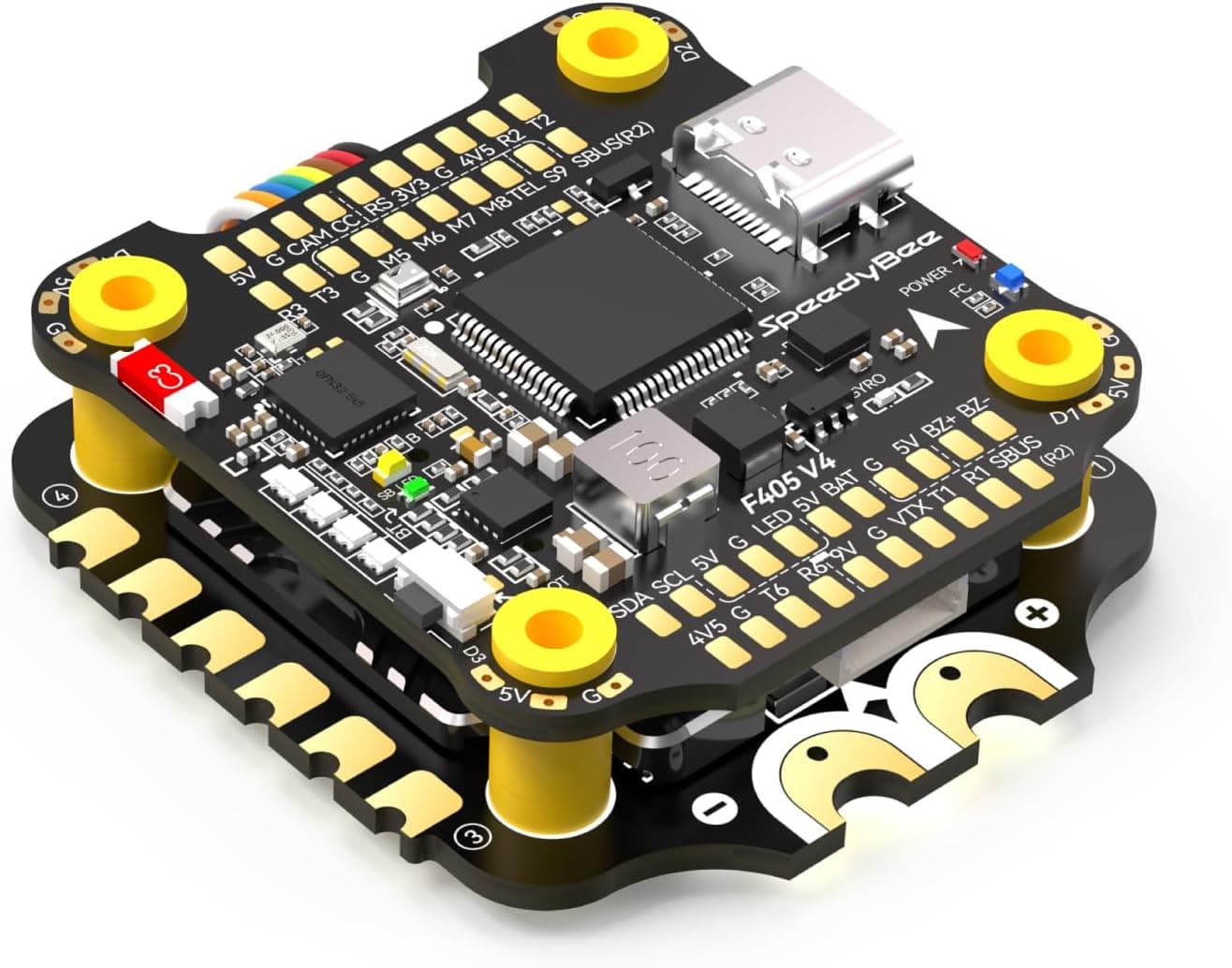
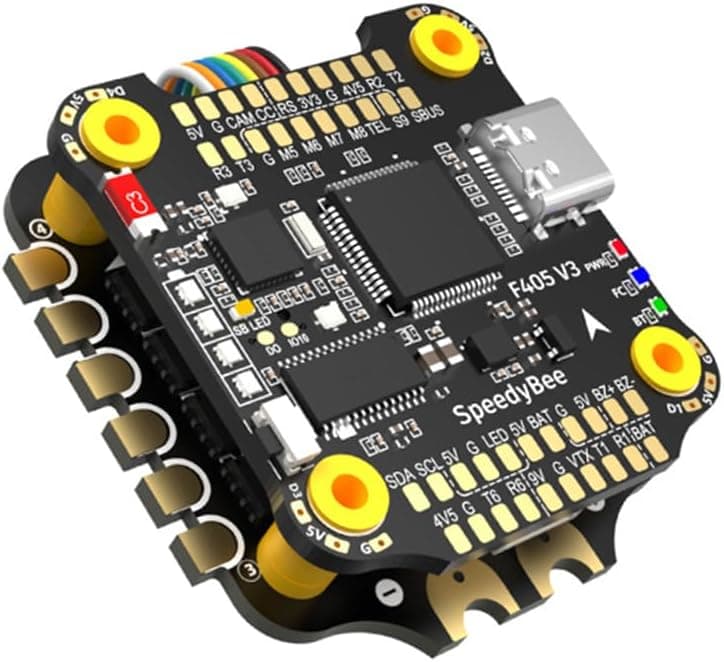
+ Bluetooth lets you tune from a phone app at the field
From our guide: Best Flight Controllers for FPV Drones (2026)
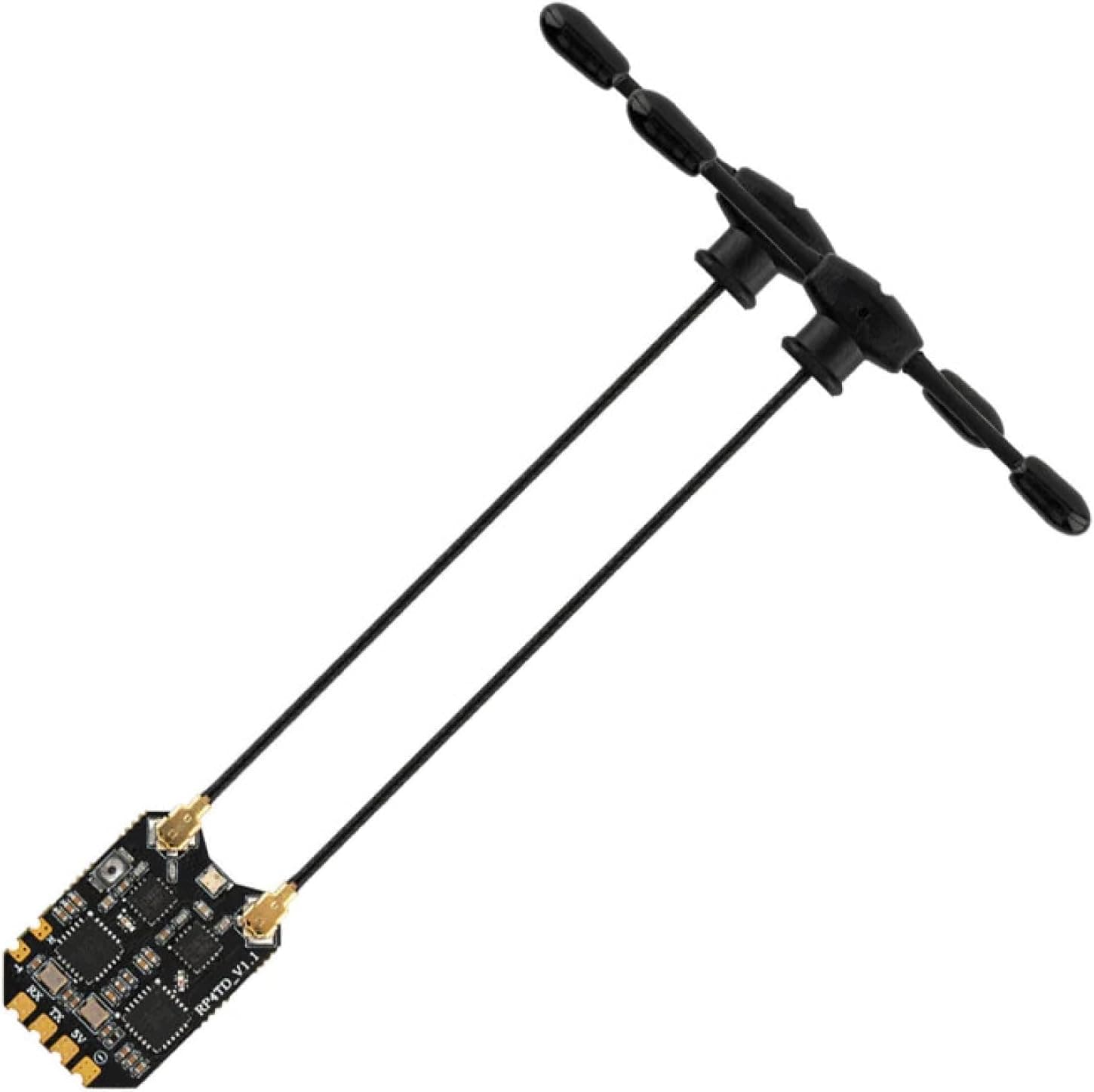
+ True diversity reduces link drops during flips and long range flying
From our guide: Best FPV Receivers for Solid Control Links (2026)
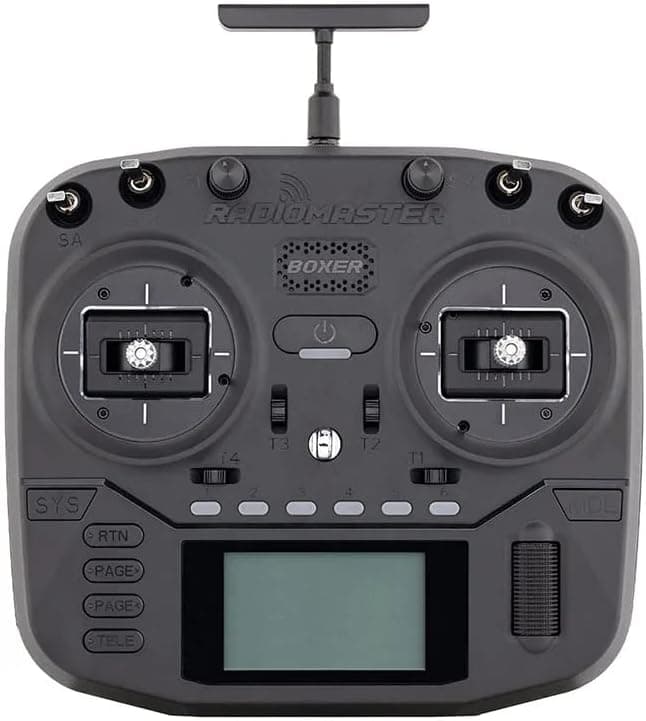
+ Built-in ELRS gives fast, long range control out of the box
From our guide: Best Radio Controllers for FPV and RC (2026)
+ DJI O3 plug support makes digital video wiring simple
From our guide: Best Flight Controllers for FPV Drones (2026)
Popular right now
- Understanding Drone Motors and KV RatingsArticle
- Tiny Whoop GuideArticle
- Best Long-Range Drones for Distance Flying (2026)Buying guide
- Best FPV Antennas for Stronger Range (2026)Buying guide
- Drone Flight Modes ExplainedArticle
- Best Racing Drones for Speed and Precision (2026)Buying guide
Based on the last 28 days of search and visitor data.